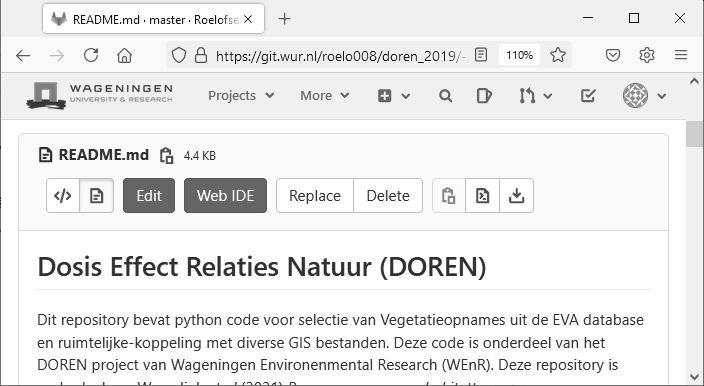
Vandaag is het DOREN rapport gepubliceerd over het effect van N-depositie op voorkomen en kwaliteit van Habitattypen. Mijn bijdrage aan dit project lag bij de data-selectie, voorbewerkingen en GIS koppelingen. Alle bewerkingsstappen zijn na te lezen in deze Gitlab repo.
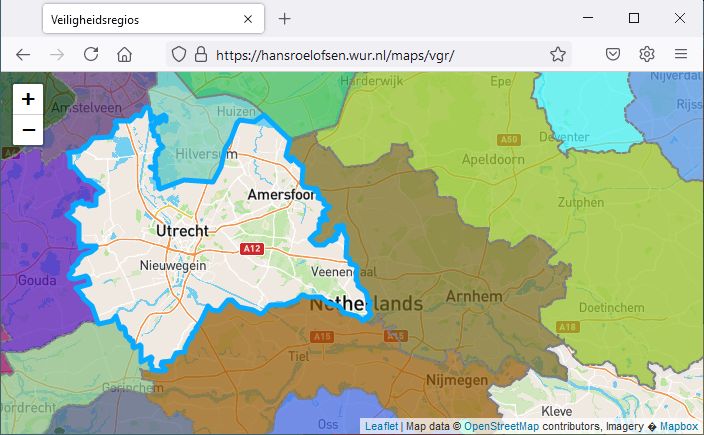
Sinds de uitbraak van de Corona-crisis zijn deze regio’s veelvuldig in het nieuws. Daarom leek het me interessant om deze regio’s inzichtelijk te maken.
De 25 regio’s lopen langs gemeentelijke grenzen, maar overschrijden nooit een Provinciegrens. In Zeeland, Utrecht, Flevoland, Friesland, Drenthe en Groningen valt de Veiligheidsregio samen met de Provincie. In Noord-Holland zijn 5 Veiligheidsregio’s actief, in Zuid-Holland 4, Noord-Brabant en Gelderland 3 en in Limburg en Overijssel tenslotte twee.
Op coordinaten X134.000, Y489.000 komen vier Veiligheidsregio’s samen.
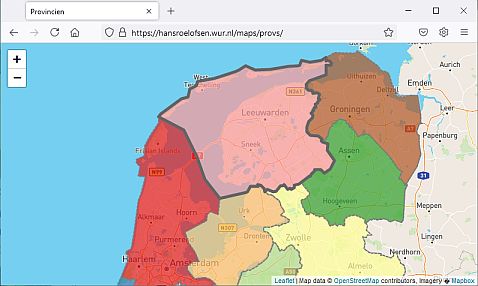
De kaart gebruikt dezelfde Leaflet functionaliteit als de Provincien kaart. Nieuw is dat de fill-colors niet hard-coded zijn, maar dynamisch gegenereerd worden; ze veranderen bij elke refresh.
Update to the Provincien map. De Provincie wordt nu uitgelicht bij een mouseover event. JS code gekopieerd uit de Interactive Chloropleth Map tutorial.
Python GIS tools with a long processing-time benefit from a testing mode, which quickly verifies the tool functionality. Usually this is achieved by using default parameter values and/or a small test-dataset.
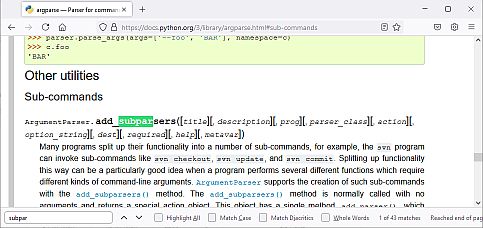
The code below implements a test option into a Python tool, leveraging the argparse subparser functionality.
From Command Line, the tool can be run in either a test (running with default parameters) or full mode (running with user-provided parameters).
import argparse


def model_core(args):
    """function with core functionality. Takes args Namespace as single argument"""
    print(args.a * args.b)


def f_test(f_args):
    """run model core with default arguments for testing"""
    print('testing with default values")
    model_core(f_args)


def f_full(f_args):
    """run model core with user defined arguments"""
    print('running with user provided values")
    model_core(f_args)

parser = argparse.ArgumentParser()
subparsers = parser.add_subparsers()

parser_test = subparsers.add_parser('test')  # Create testing sub-parser
parser_test.set_defaults(func=f_test, a=10, b=20)  # Tie sub-parser to a function

parser_full = subparsers.add_parser('full')  # Create full function sub-parser
parser_full.add_argument('a', type=int)  # Add positional arguments
parser_full.add_argument('b', type=int)
parser_full.set_defaults(func=f_full)  # Tie sub-parser to a function

args=parser.parse_args()  # Parse arguments from command line
args.func(args)  # Exectute the function associated with the enabled sub-parser
> python my_model.py test
testing with default values
200
> python my_model.py full 2 6
running with user provided values
12
Function and sub-parser are coupled using the set_defaults method. The function is called, and args provided as argument, using the args.func(args) method. For the full sub-parser, all required attributes are provided by the user. The test sub-parser has default values specified, again with the set_defaults method. The model_core function accepts a single Namespace as argument and extracts attributes as parameters where needed.
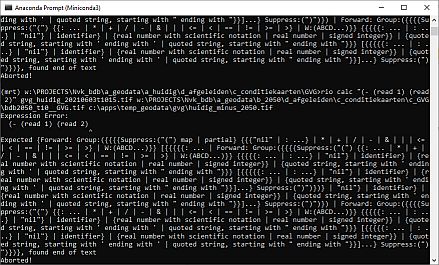
Rasterio comes with a Command Line raster calculator called rio calc. Because nothing says look how smart I am as doing stuff in Command Line, it was the tool-of-choice when asked to subtract two geospatial rasters. The docs aren’t too generous with examples, but I got it working as:
rio calc "(- (read 1) (read 2))" input1 input2 output